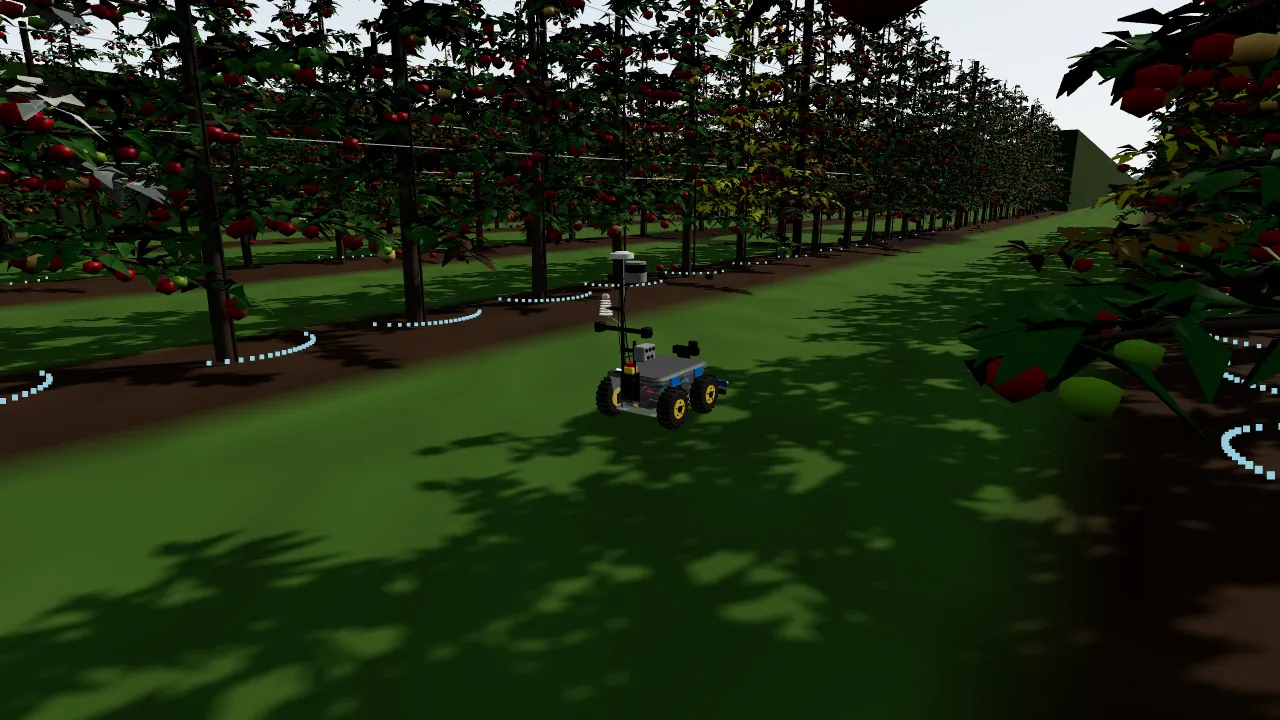
Rover 01Row 18 blocked by an obstacle. Stopped and waiting.
Maya@Scout, what did the rover find in rows 12 to 17?
Scout · agentFour stressed patches and two stand gaps, each with its photo and the nearest mast reading. Two look like the same nitrogen patch as last week.
Illustration
01How Prism Desktop connects it all
Every machine gets a seat at the table.
A machine joins Prism the way a teammate does. It gets a place in a channel, tells everyone what it is doing, and the people and agents in that channel act on what it reports.
RobotsStatus · missions
SensorsReadings · alerts
Edge computersAnalysis on site
Prism Desktop
# site-ops
Rover · on a missionOnline
Weather mast · reportingOnline
Edge node · analysingOnline
Agent · summarised the runReview
Illustration
PeopleDecide · approve
AI agentsAny vendor
Prism MobileIn the field
A robot joins the channel and gets a status card.
Sensors report into the same channel.
An edge computer analyses on site, next to the machines.
People see the same state, and decide.
AI agents from any vendor read the data and write it up.
Prism Mobile takes it all into the field.
01 · JOIN
A device installs like any Prism product.
Add it through Prism Desktop. Each site gets a channel and each machine gets a status card, on Desktop and on Mobile.
02 · WATCH
See every machine at a glance.
The card shows whether it is online, what it is doing and how far along it is, its battery, its place on the map, its last fault and its software version. Open the live camera view when you want it.
03 · HEAR
Problems are said out loud.
Starts, finishes, faults, stops, blocked paths and low battery arrive as notices in the channel. Nothing is retried out of sight.
04 · WORK
Your agents work with device data.
People and AI agents in the channel see the same state and can act on it. Ask an agent to explain a finding, re-check it or write the summary. Every finding keeps its photo, its confidence, the model version and the sensor readings beside it.
05 · STOP
Stop is one tap away.
Emergency stop from Desktop or Mobile comes before every other command, asks for no confirmation, and is confirmed back on the card. The machine has its own physical stop as well.
Products
RoverInstall
Weather mastInstalled
Edge nodeInstalled
Illustration
Rover · status card
StateOn a mission
ProgressRow by row, on the map
BatteryReturns to base when low
Last faultNone
SourceSIM
Illustration
RoverMission started.
RoverRow blocked by an obstacle. Stopped and waiting.
RoverBattery low. Returning to base.
RoverMission finished. Summary attached.
Illustration
YouWhich findings from today's run should I look at first?
AgentStart with the stressed patch in the north rows. Each finding links to its photo, the model version and the nearest weather reading.
Illustration
Rover · live view
STOP
Stop receivedConfirmed
Illustration
02What you get
Fewer rounds on foot. Better evidence. Nobody out of the loop.
AFor the people running the operation
Rounds without the walkingThe machine does the repetitive rounds and sends back what it found. People spend their time on the decisions.
Evidence you can checkEvery finding arrives with its photo, place, time, confidence, model version and the sensor readings beside it.
Told, not left to find outFaults, stops, blocked paths and low battery arrive as notices in the channel, never retried out of sight.
Works alongside peopleBuilt to slow down near people, stop before it leaves its boundary, and stop from any screen or from the button on the machine.
BFor teams using Prism
One room for people, agents and machinesDevices report into the same channels where your team and your agents already work.
Any AI can read the fieldAgents from any vendor can explain a finding, re-check it or write the summary, and a person approves.
Your data stays yoursRaw sensor data is kept once, exactly as recorded, and every finding traces back to it.
Rehearse before you driveSimulated machines appear on the same screens with a SIM label, so a mission or a software change is tried in Prism Sim first.
CWith Prism Rover
Every row, not a sampleBuilt to scout a whole field or block, row by row, instead of the handful of rows a person has time to walk.
Under the canopySmall enough to drive between rows and under the leaves, where drones and satellites cannot see.
One platform for row crops and permanent cropsThe same robot, sensors and software for row crops such as corn and soybean, and permanent crops such as orchards, vineyards and tree nuts.
Small and battery poweredA compact electric robot, with a lid that lifts off for service.
03Prism Rover · the first Prism X machine
One robot for row crops and permanent crops.
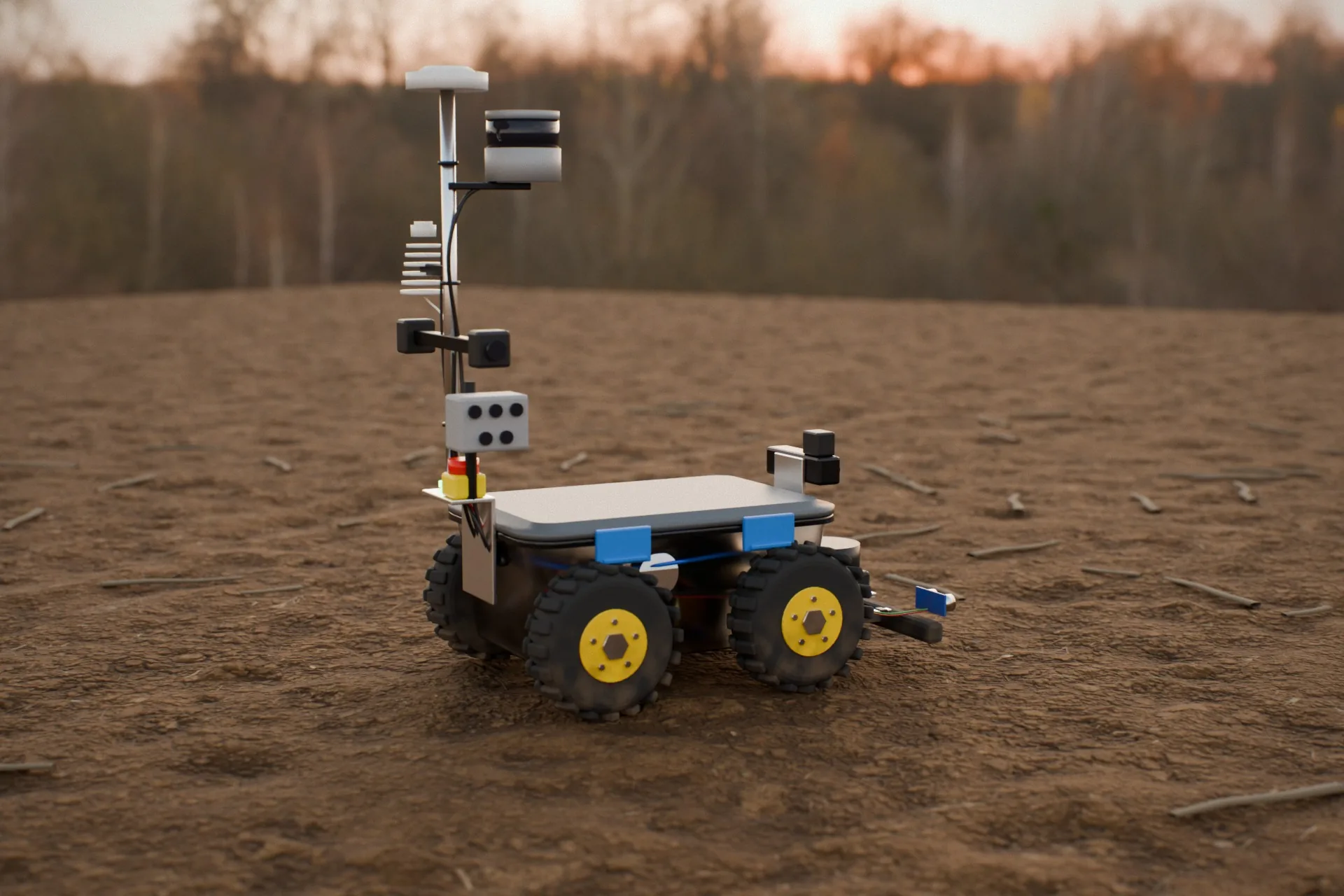
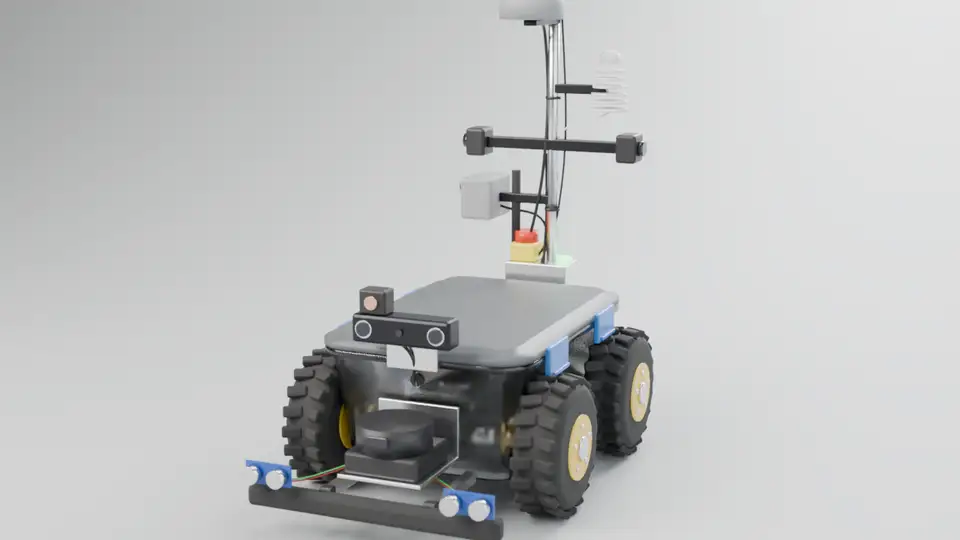
Prism Rover is designed as a compact four-wheel-drive robot built around a clear tote, to see with lidar and cameras, know where it is to within a few centimetres, read the air around it, and do its thinking on board. Scroll to turn it.
Battery powered
Plant-level data
Thinks on board
Supervised autonomy
Stop on every screen
Row crops and permanent crops
Built in Prism Sim
000°
Fig. 02 · Rendered in Prism Sim
Body
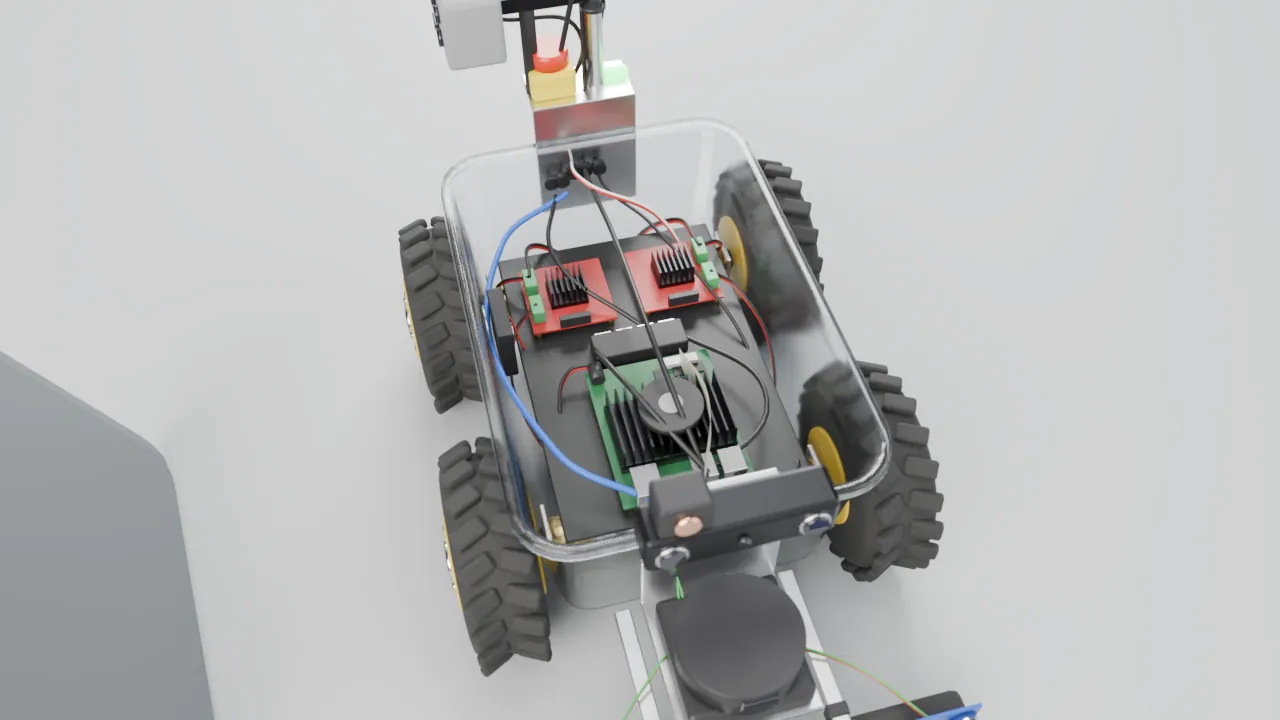
A clear latching tote. Every sensor mounts on the walls, so the lid lifts off for service.
Drive
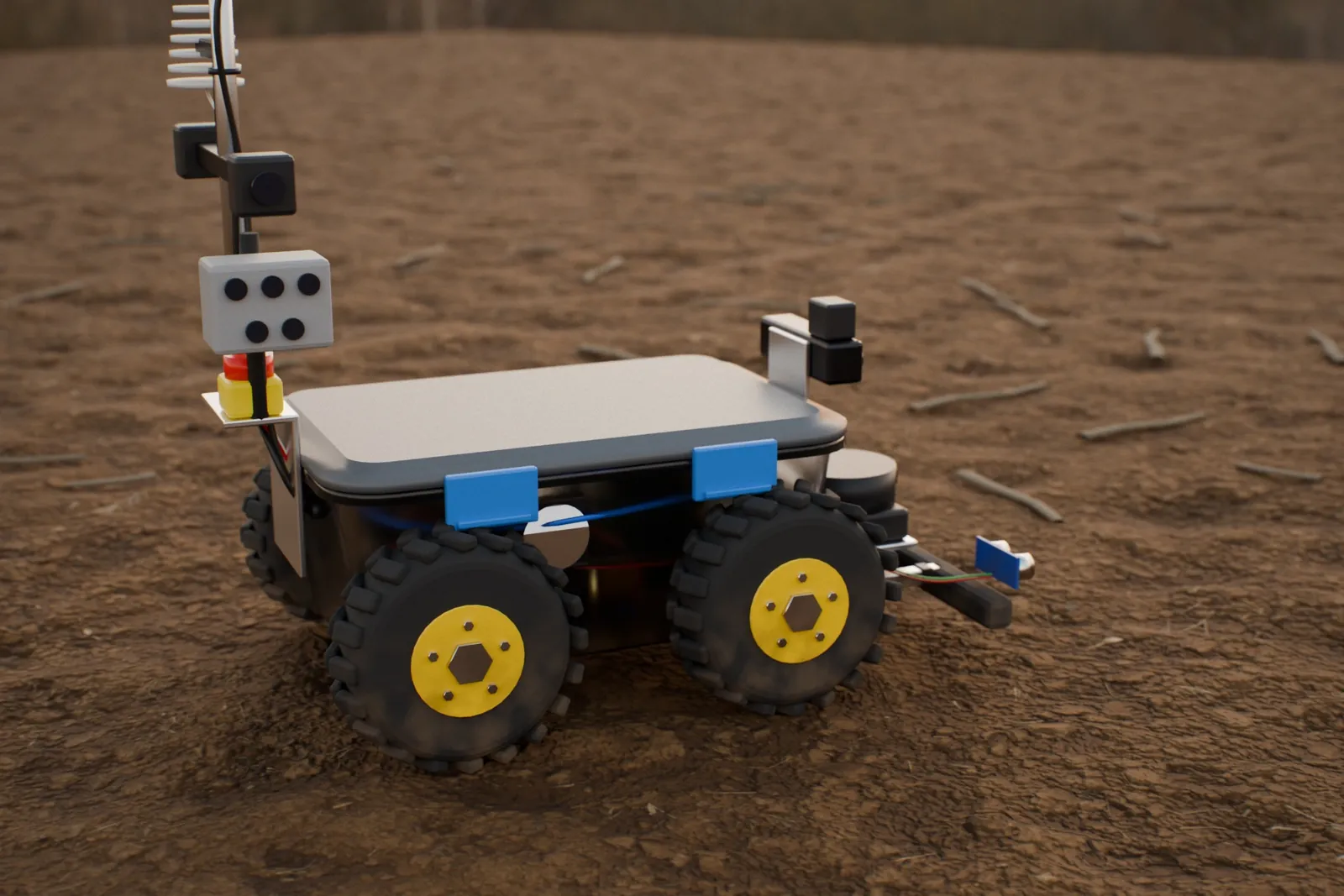
Four-wheel skid steer, lugged tyres, an encoder on every motor and a front bumper with contact switches.
See
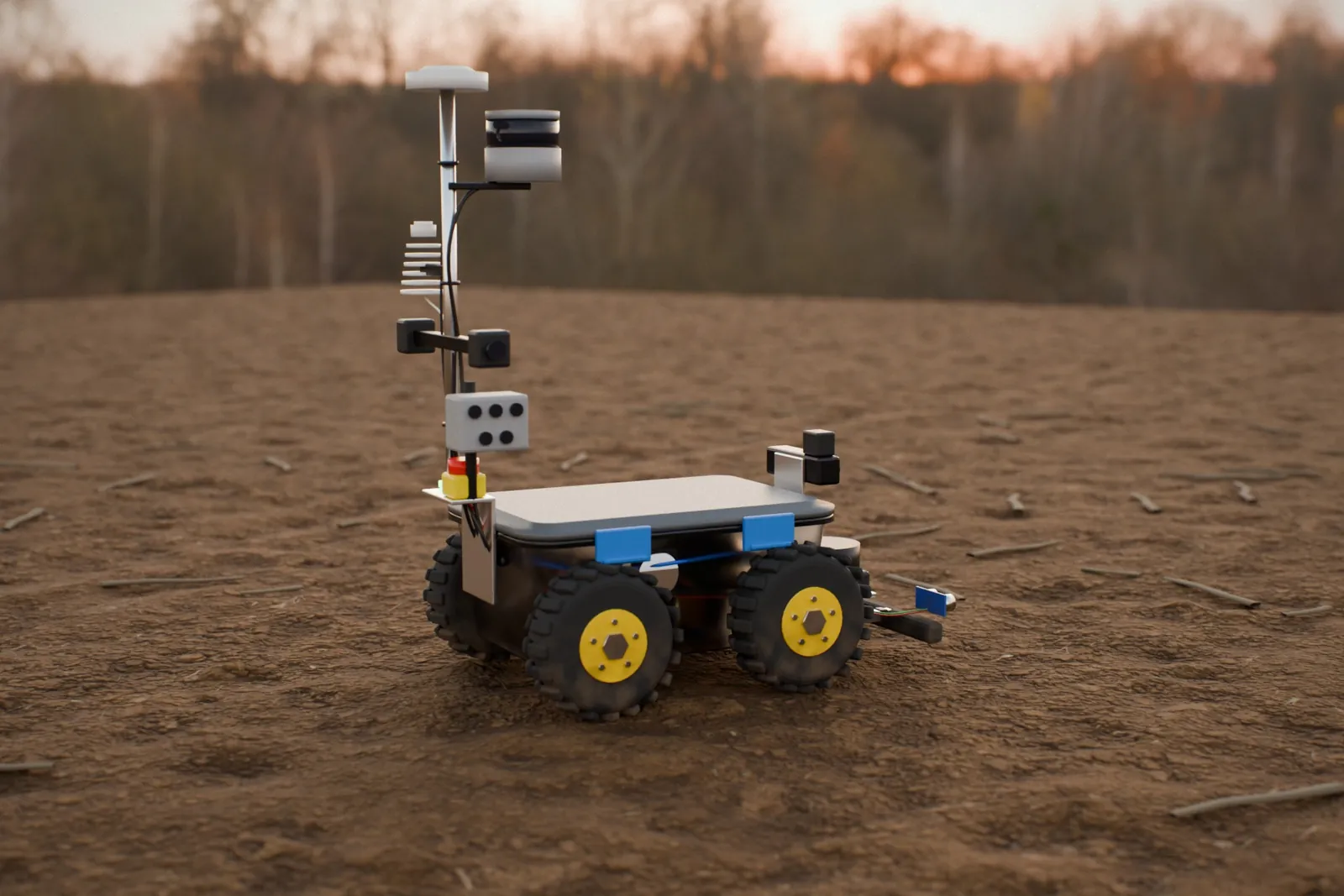
A 3D mapping lidar on the mast, a 2D lidar at stalk height, a stereo depth camera, two row cameras, a thermal camera and a five-band multispectral camera.
Locate
RTK GNSS on the mast, an IMU and wheel odometry.
Sense
Air temperature and humidity in a radiation shield, with a light (PAR) sensor on top.
Think
An NVIDIA Jetson on board runs navigation and analysis, so the robot does not need a connection to work.
Power · stop
A rechargeable battery pack, and a red emergency stop wired into the power loop, plus a stop on every Prism screen.
Lid off: the Jetson, motor drivers and wiring. Rendered in Prism Sim.On bare soil, sensor mast up. Rendered in Prism Sim.Tote body, lugged wheels, multispectral camera and e-stop. Rendered in Prism Sim.
What it does in the field.
Its first job is scouting: row crops such as corn and soybean, and permanent crops such as orchards and vineyards. The same body and sensors suit other places a small robot fits, such as research plots, nurseries and greenhouses.
Count plants and find gaps, row by row
Map weeds by species
Find nutrient stress, water stress and leaf disease
Track growth stage, height and canopy cover
Count and size fruit, tree by tree
Record temperature, humidity and light inside the crop
04Control
Drive it from Prism.
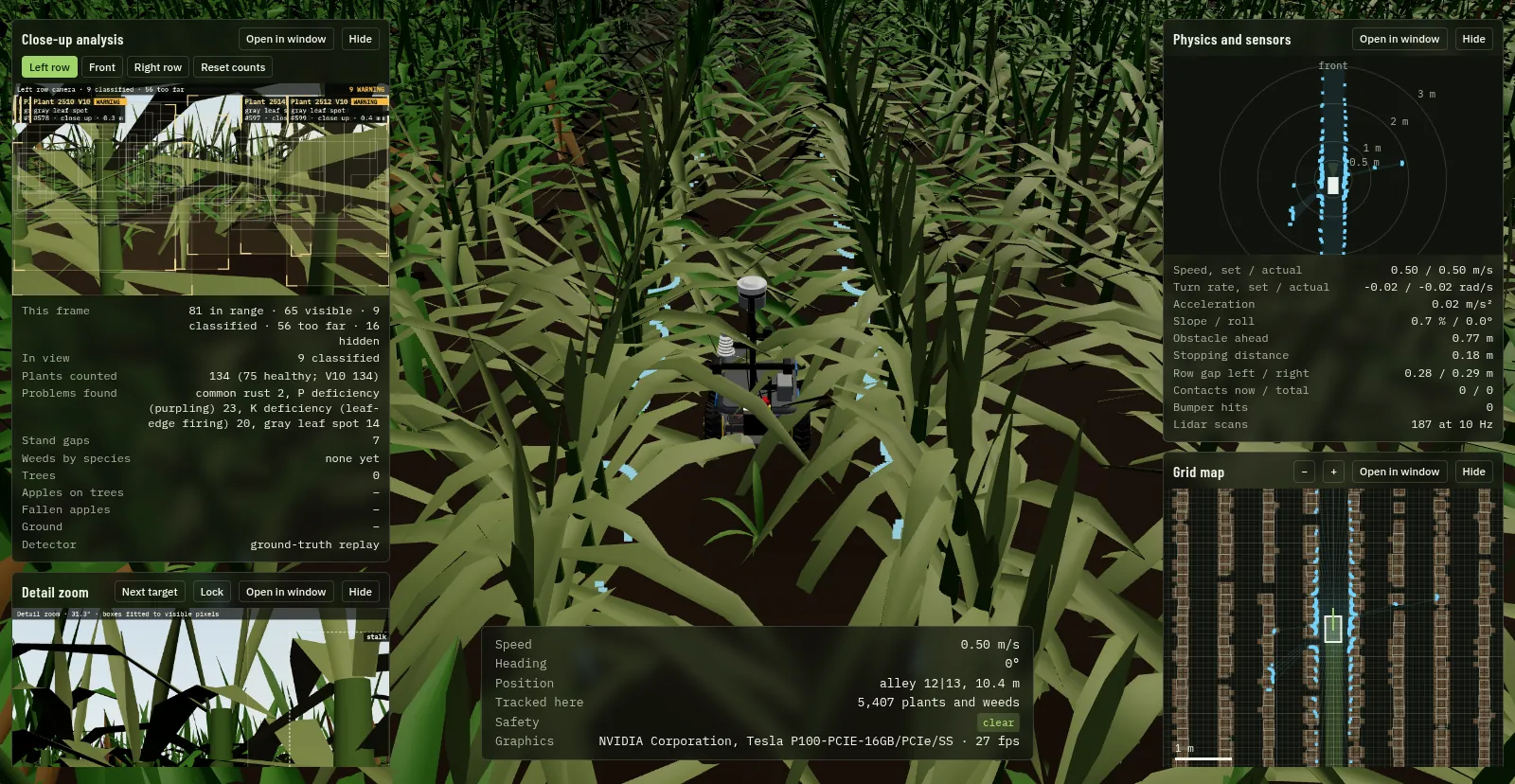
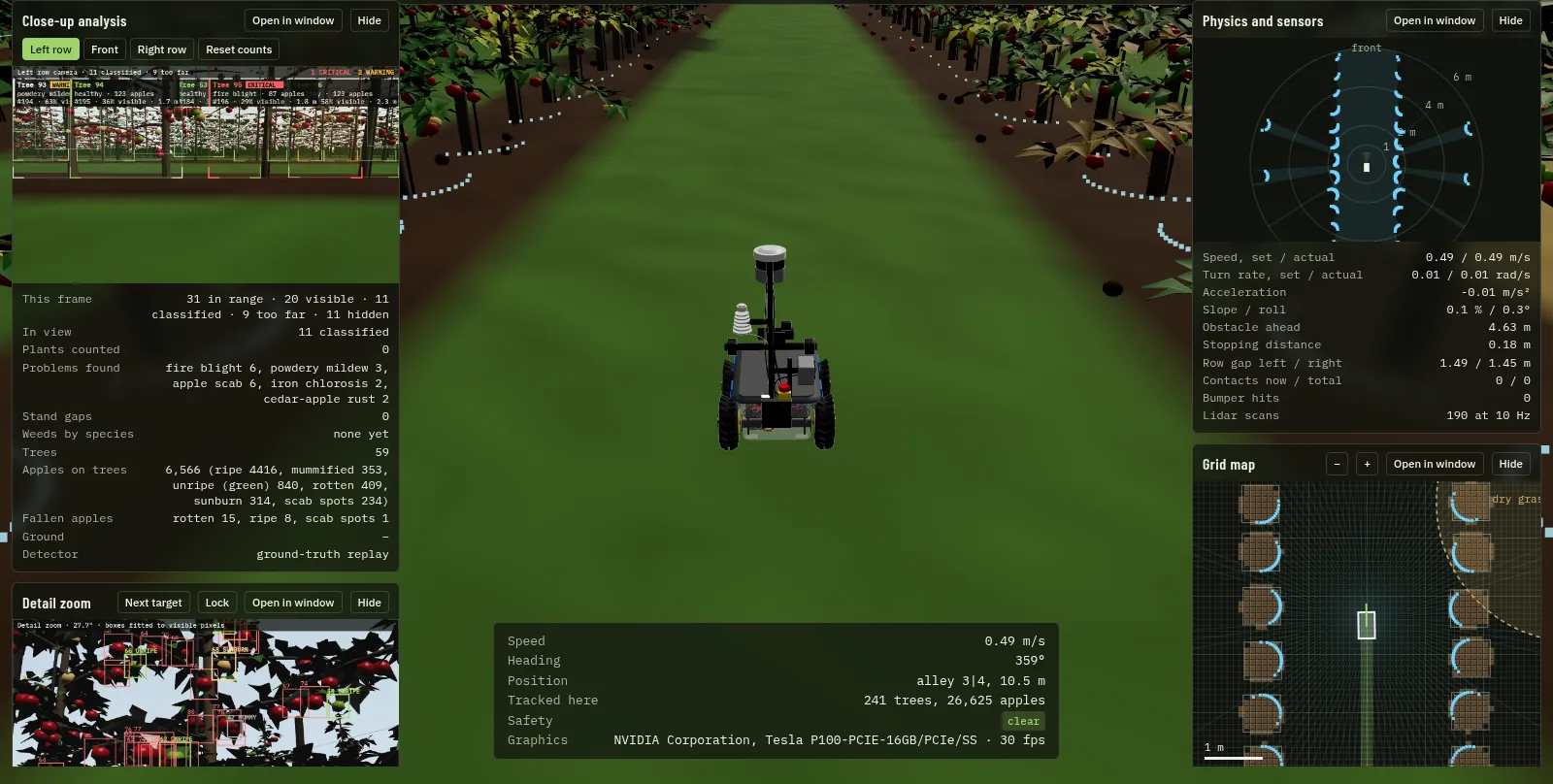
Take the wheel, hand it to the autopilot, or stop it, from the Rover's card in Prism Desktop and Mobile. The clip shows the same controls in Prism Sim's live viewer, with the robot's analysis, lidar and map beside the drive view.
Open the live simulatorRuns in your browser. Best on a desktop with a graphics card; it downloads about 30 MB of field data.
Prism Sim · live viewer · apple orchard
Prism Sim, live viewer. Everything shown is simulated.
M
ManualDrive with the keyboard or the on-screen pad.
F
SafetyYou steer. It brakes for anything in front, checks behind when reversing and stops at the edge of the field.
P
AutopilotIt centres itself between the rows from the lidar, turns in the headland into the next row, and sweeps the whole block. A blocked row is backed out of and the next one taken.
1–5
Five viewsRover camera, row camera, third person, orbit and drone.
■
StopOne tap on any screen, first in line, confirmed back to you.
05Row crops and permanent crops
A corn field and an apple orchard, modelled in full.
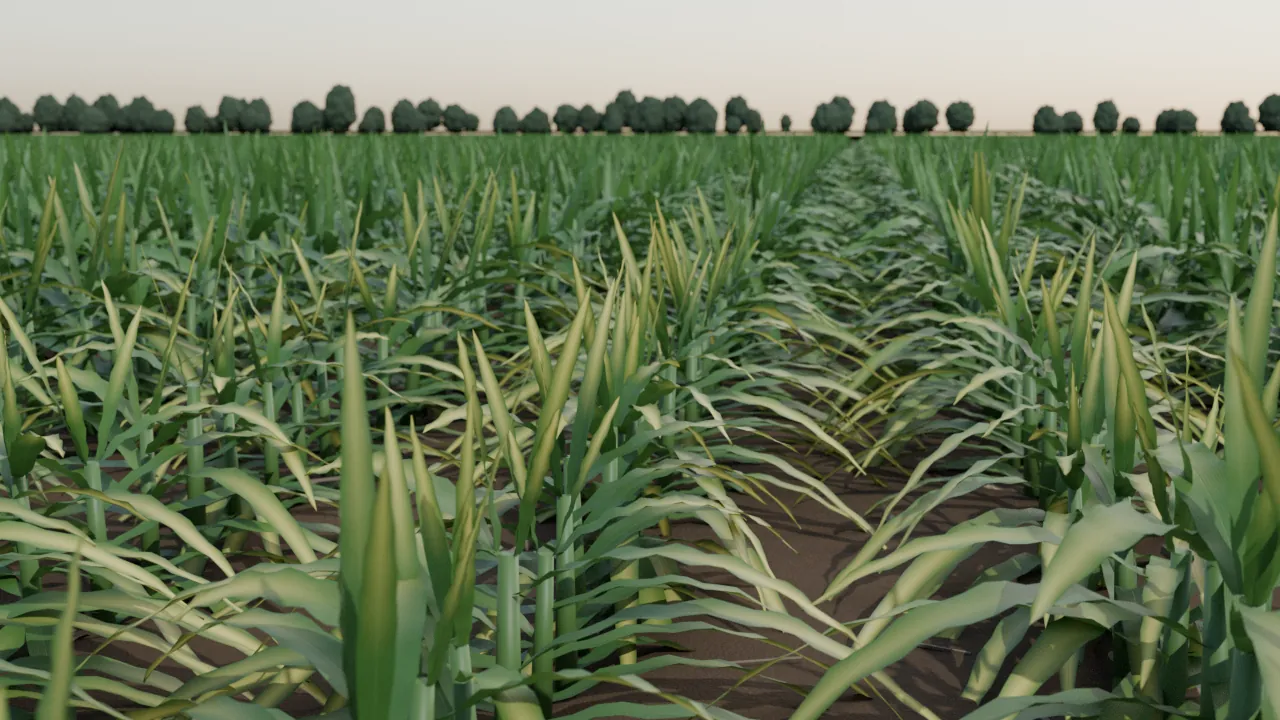
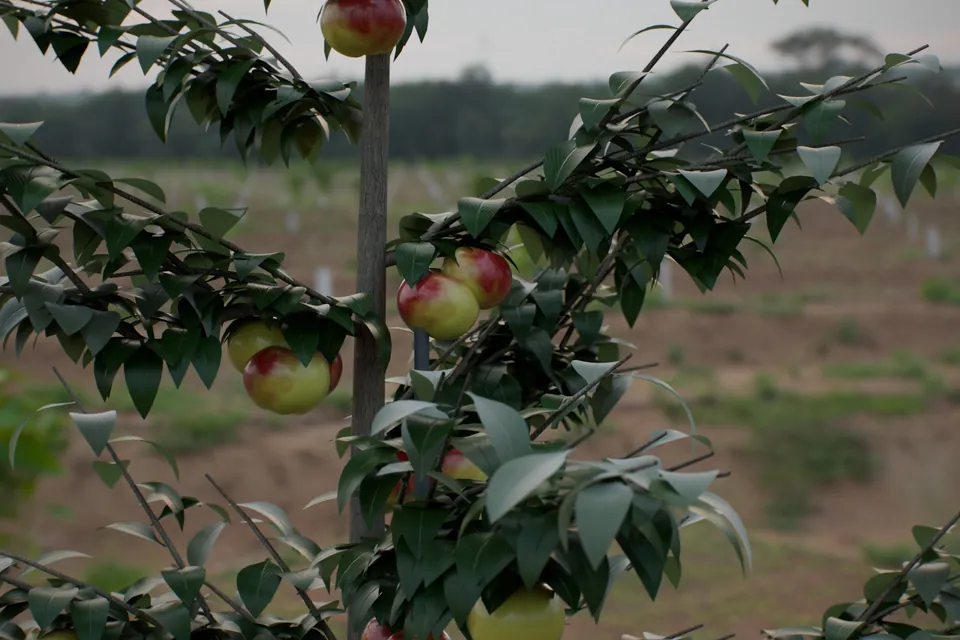
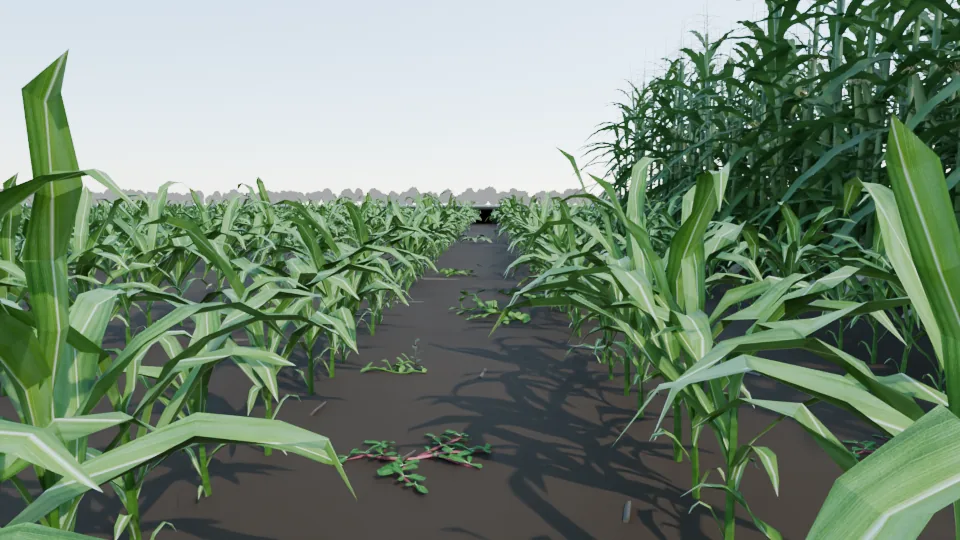
Prism Sim models a row crop, corn, and a permanent crop, an apple orchard, down to the leaf and the fruit. The same Rover drives both. The approach extends to other row crops such as soybean and sugar beet, and to vineyards and other permanent crops.
ROW CROPSCorn
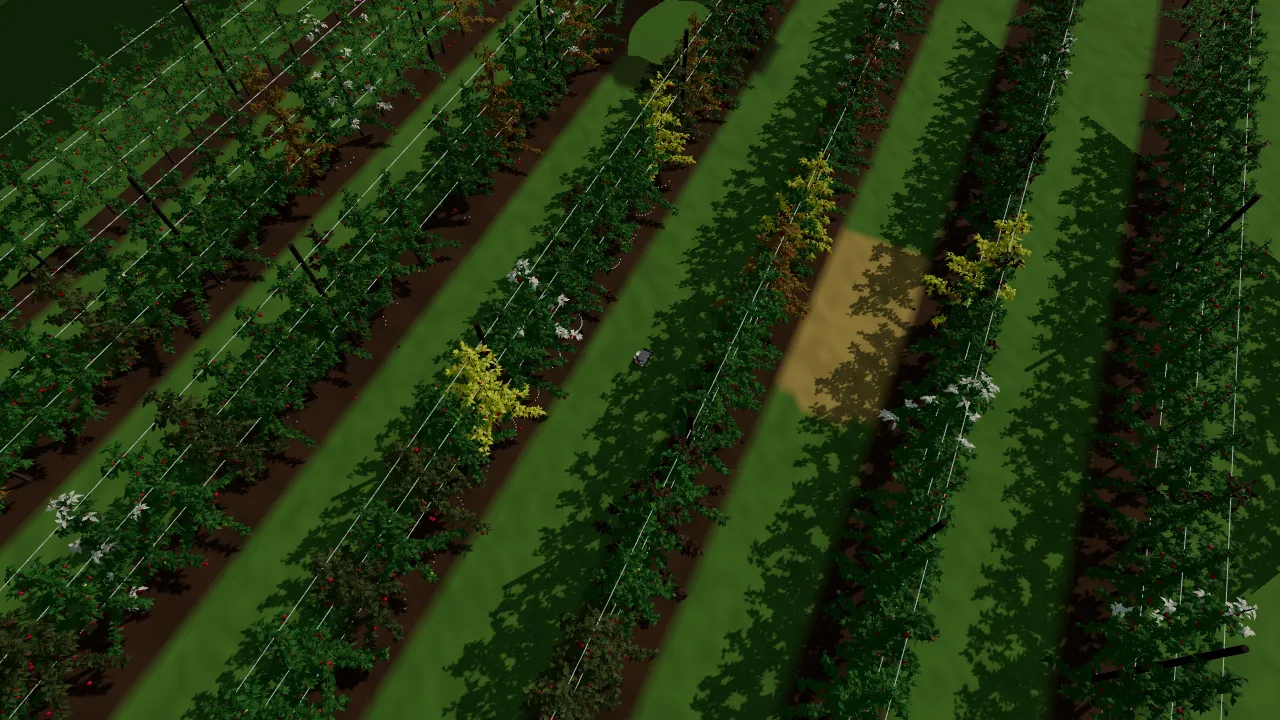
Driven by hand between corn rows. Prism Sim, live viewer.Drone view: stress patches in the rows. Prism Sim, live viewer.
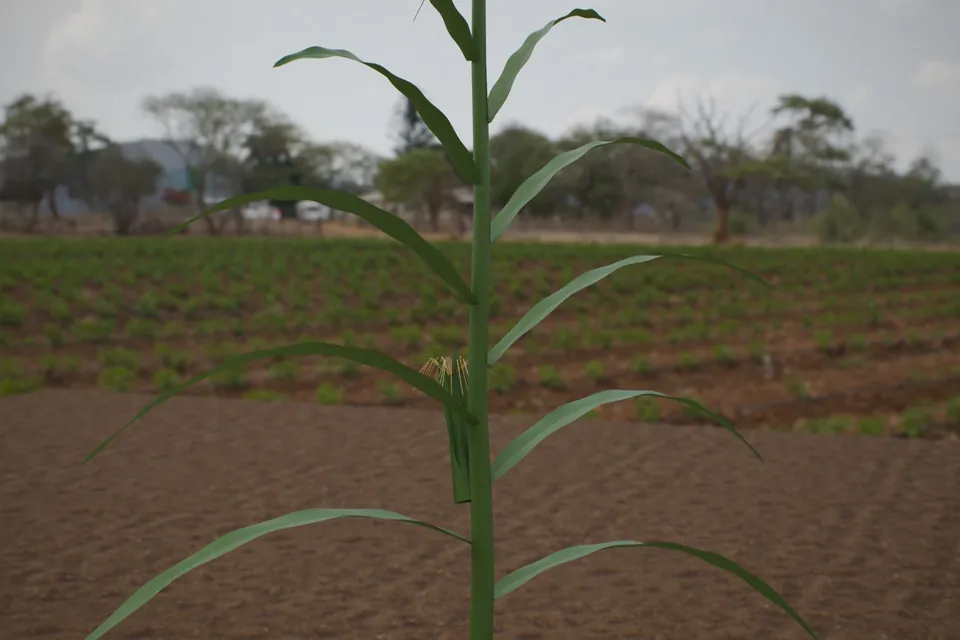
GrowthV6, V10 and R1 silking, with tassels, ears and silks
NutrientsNitrogen, phosphorus and potassium deficiency
DiseaseGray leaf spot, northern corn leaf blight, common rust, tar spot
FieldDrought, wind lodging, standing water, gaps and three weed species
PERMANENT CROPSApple orchard
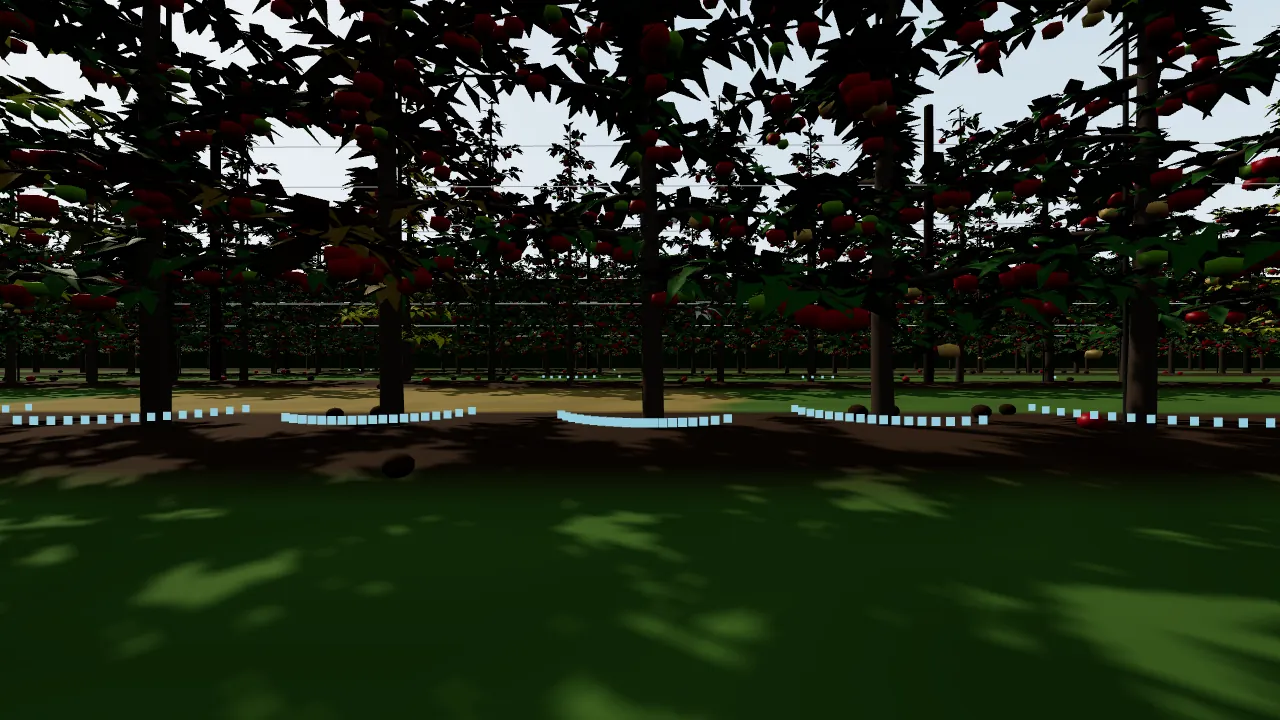
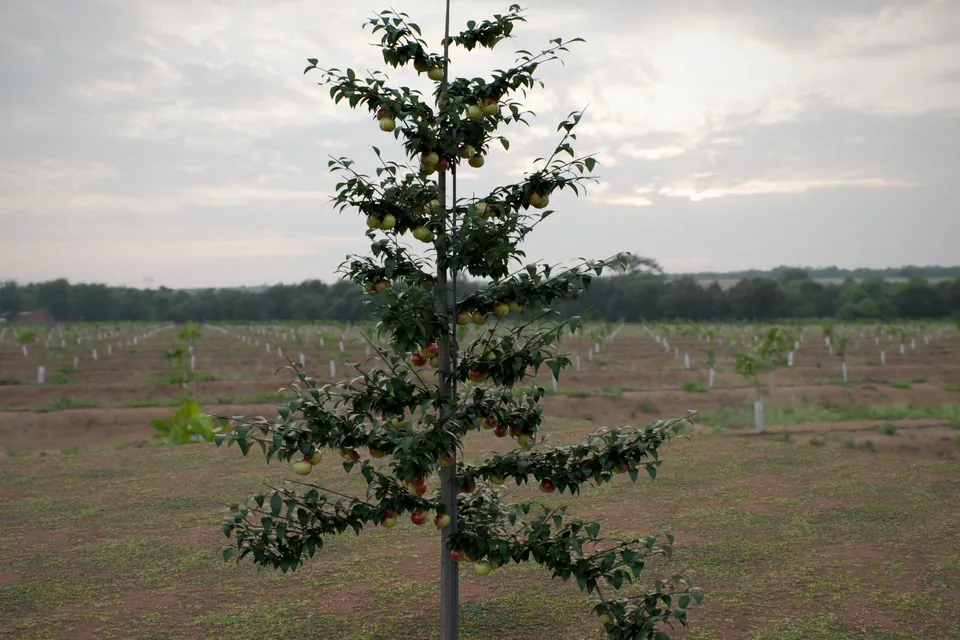
On autopilot down an orchard alley. Prism Sim, live viewer.Drone view: trellis rows and problem trees. Prism Sim, live viewer.
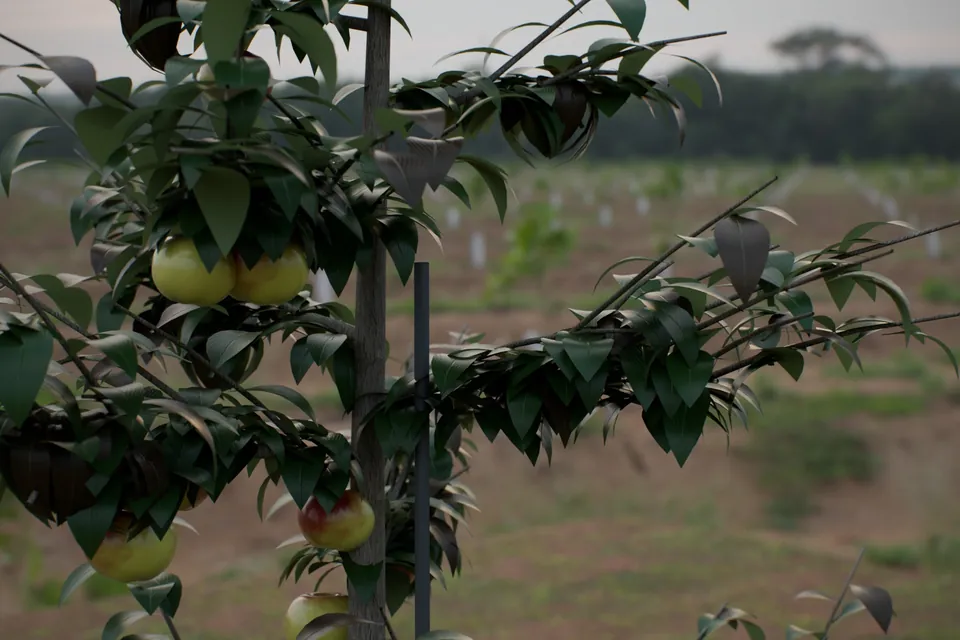
TreesTall-spindle trees on trellis, with stakes and grass alleys
DiseaseFire blight, apple scab, powdery mildew, cedar-apple rust, iron chlorosis
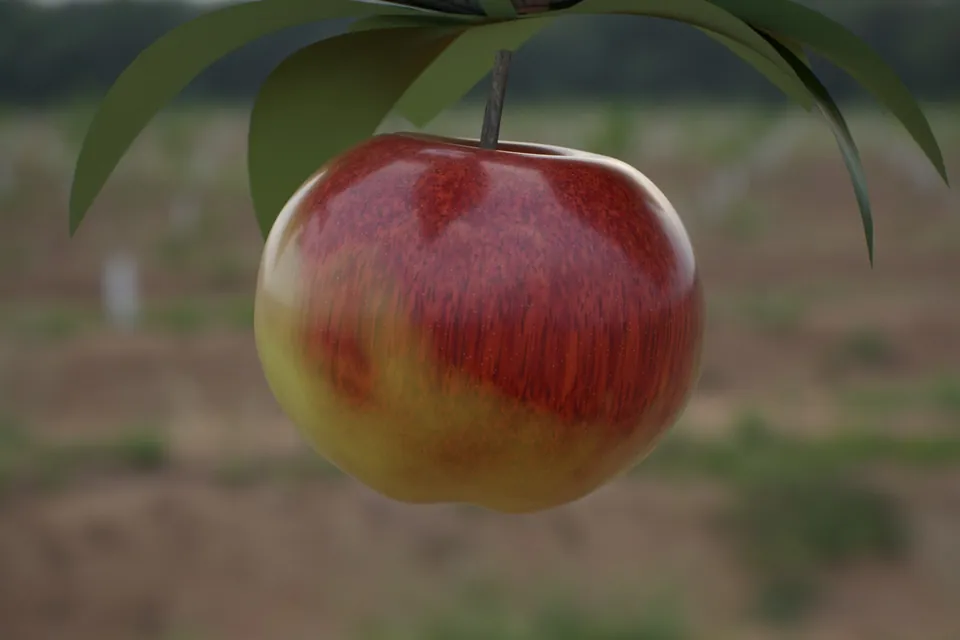
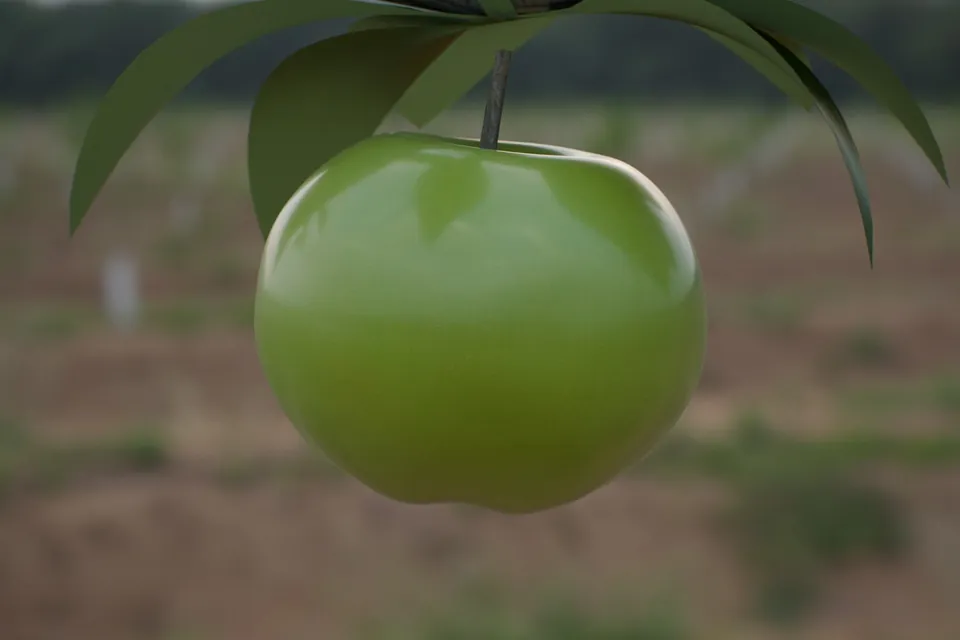
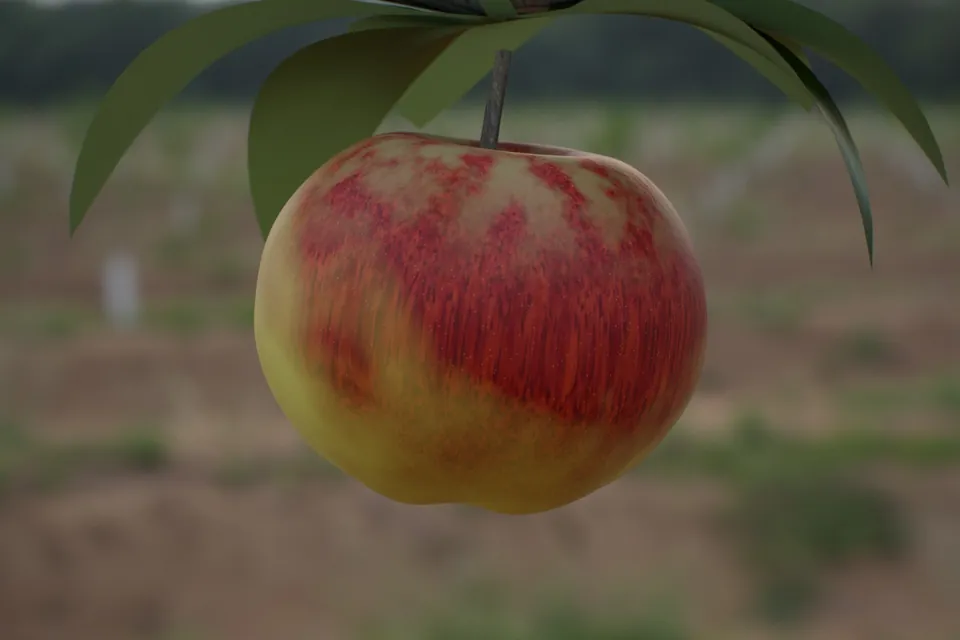
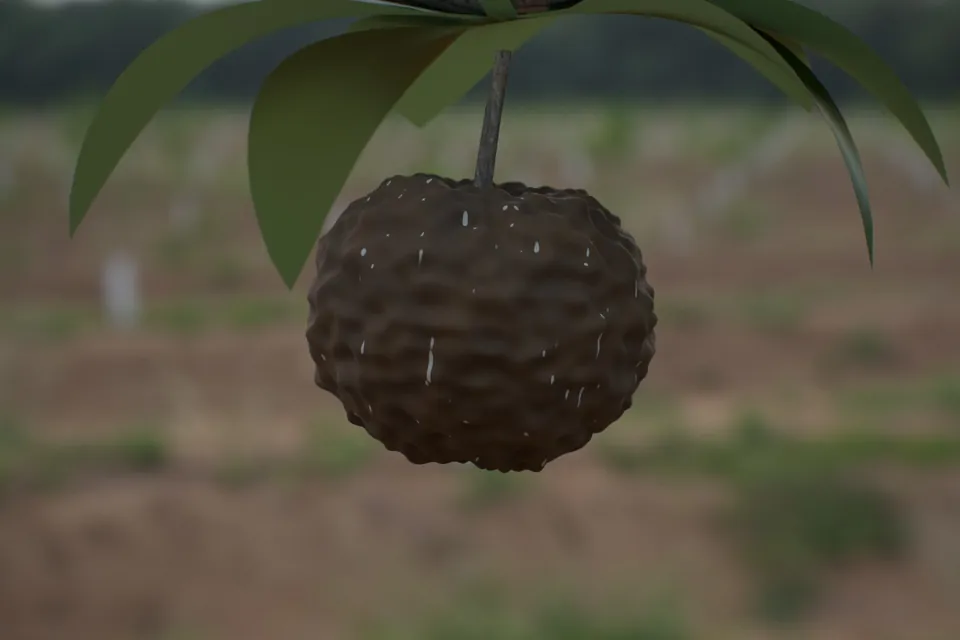
FruitEvery apple by state: ripe, unripe, sunburn, rot, scab, mummified, and windfalls
GroundA waterlogged alley and a dry, dead-grass patch
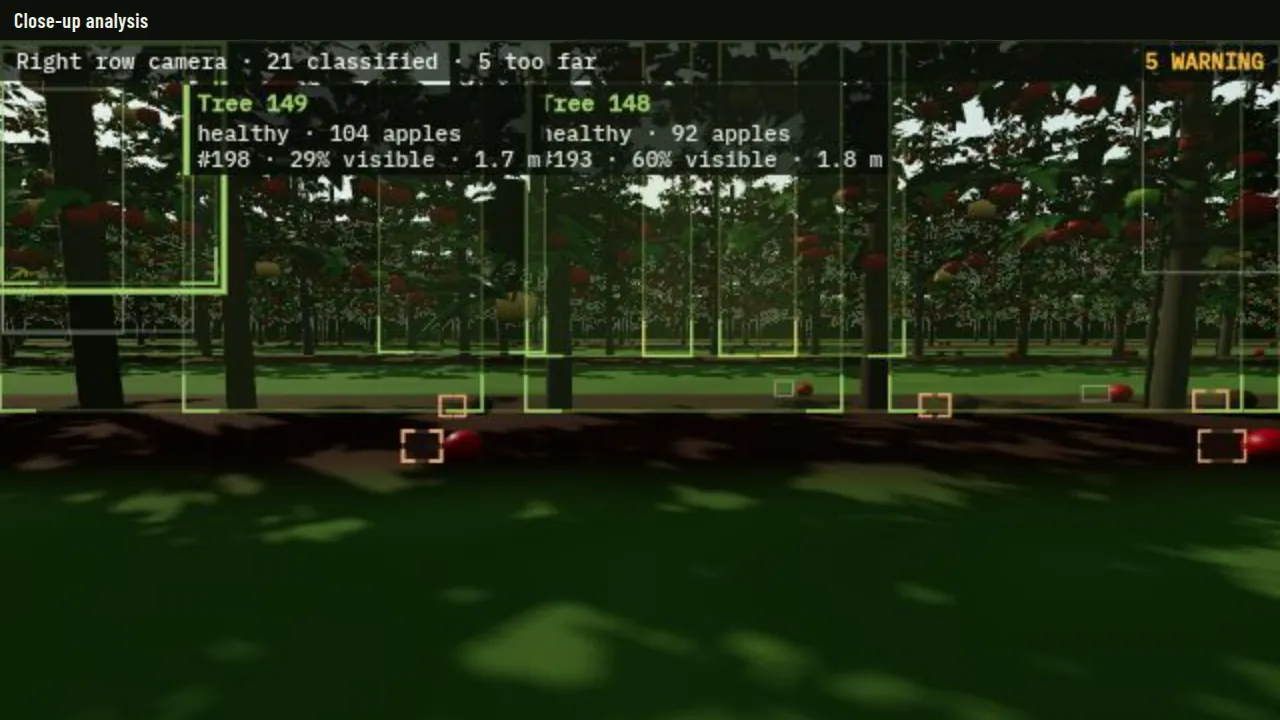
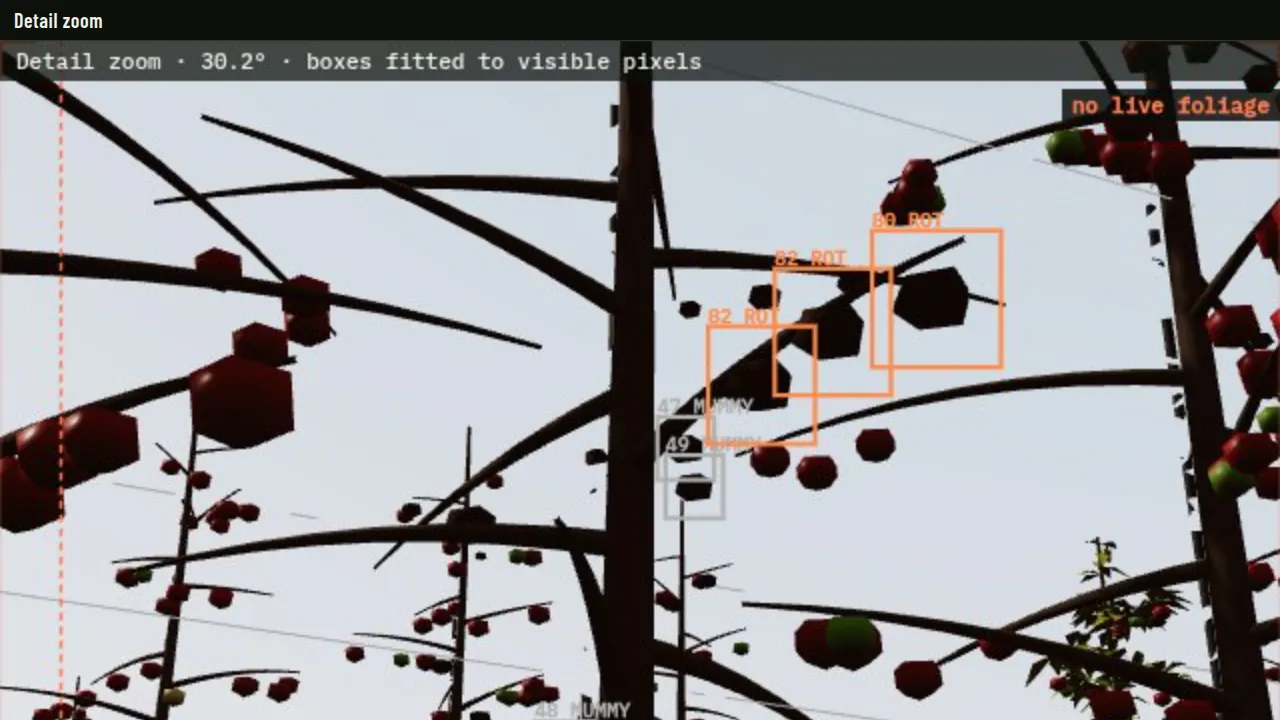
Through the Rover's own camera. Prism Sim, live viewer.Close-up analysis: every tree boxed, with its apples countedDetail zoom: boxes fitted to the apples you can see
06Prism Sim
We built the simulation and the physics in house.
Prism Sim is a full digital twin of a field. Every plant, weed, tree and apple is placed from a seed, and its true state is recorded. The Rover is designed, driven and tested here before it goes near a real field.
01
Generate
A corn field or an apple orchard from one seed, every object placed and on record.
02
Drive
The Rover's software drives it, with simulated lidar, cameras and physics.
03
Label
Every pixel knows which object it shows, so every image arrives labelled.
04
Stage the rare
Problems a season may never show on cue, rendered as often as they are needed.
05
Report
Findings reach Prism on the same cards and notices a real machine uses.
Built like the field, not the lab.
Six things Prism Sim is designed around, and what each one is for.
01It runs in a browser.No install, no licence, no lab. A grower, an agronomist or an investor drives the same simulation the engineers use, today.
02The Rover's own software drives it.Prism Sim is built so the navigation and safety code that runs on the Rover runs here first. A fault found in the simulation is fixed before it reaches a field.
03Sensors with their faults.Built to model lidar with noise and dropouts, cameras with real exposure, GNSS that drifts and wheels that slip, so the Rover is tested against the field it will actually see, not an ideal one.
04Every change is checked against the field.A headless copy of the simulation drives both fields end to end on every change and reports coverage, turns, contacts, excursions and time, with a pass or a fail.
05Built beside real field data.Prism already holds 961,439 field boundaries and daily weather across North Dakota, through Prism Microclimate. Field, survey and lidar files open in Prism Map Studio, in the browser. Today's twins are a simulated corn field and an orchard.
06A record for every run.Each run leaves a report with its sources, the way every Prism answer does, so a grower, an insurer or an inspector can check what the Rover did and why.
Rendering
Built with NVIDIA GPUs · path-traced, physically based light
On the Rover
An NVIDIA Jetson on board runs navigation and analysis
In the browser
Runs in any modern browser · physics, lidar and grids in house
Prism X began as CleanSentinels, the founder's environmental-intelligence platform: launched in Fargo in 2025, a finalist in Innovate ND for Spring 2026, integrated into Prism Labs, and ultimately this division. AI that helps people examine satellite, drone and ground imagery for signs of environmental change became a robot that takes the same question to ground level, one plant at a time.
Op-ed · Human Progress · 20 May 2026
From Blind Spots to Bright Spots: How AI Is Giving the Planet Eyes to See
Aditya Goyal, Founder and CEO · the op-ed behind CleanSentinels and, in turn, Prism X
5,352Planting positions in one simulated corn field, each with its true state recorded
205Weeds, three species, each on record
26,625Apples tracked by state in the simulated orchard
10 HzSimulated 360° lidar, one-degree steps, 12 m range
LIDAR · 360° · 10 HZRANGE 12 M
A 360° lidar sweep between orchard rows, drawn live in your browser after Prism Sim's lidar view
Physics
Every stalk, trunk and trellis post is solid. The Rover's true footprint collides and slides along obstacles, with set limits on acceleration, braking and turning, and drag on slopes.
Sensors
Lidar is cast ray by ray from where it sits on the robot, and every camera sees what the real one would: row view, close-up, overhead and drone.
Driving
A row-following autopilot centres between the plant lines from the lidar, turns in the headland and takes the rows one after another until the block is done. A safety mode brakes for anything in front and checks behind when reversing, and a geofence keeps the rover inside the field in every mode, manual included.
Maps
A 10 cm occupancy grid, the ground covered so far, and every obstacle near the robot, drawn live as it drives.
Photoreal rendering
Path-traced images with real sky light and photographed soil and bark, finished the way a real camera would finish them.
Ground truth
Every plant, weed, tree and apple is on record with its condition, size and position.
Conditions on demand
Growth stages, nutrient problems, leaf diseases, drought, lodging and standing water in corn; fire blight, scab, mildew, rust and chlorosis in apples.
Live analysis
Close-up and zoom windows box every plant, weed, tree and apple in view, sized to the pixels you can actually see, with a running tally.
Prism Sim · corn
Row crops: the live analysis views in corn
Prism Sim · apple orchard
Permanent crops: the live analysis views in the orchard
Screens from Prism Sim. The boxes come from the simulation's recorded truth, replayed through each camera.
07Rendered in Prism Sim
Every condition, down to the leaf and the fruit.
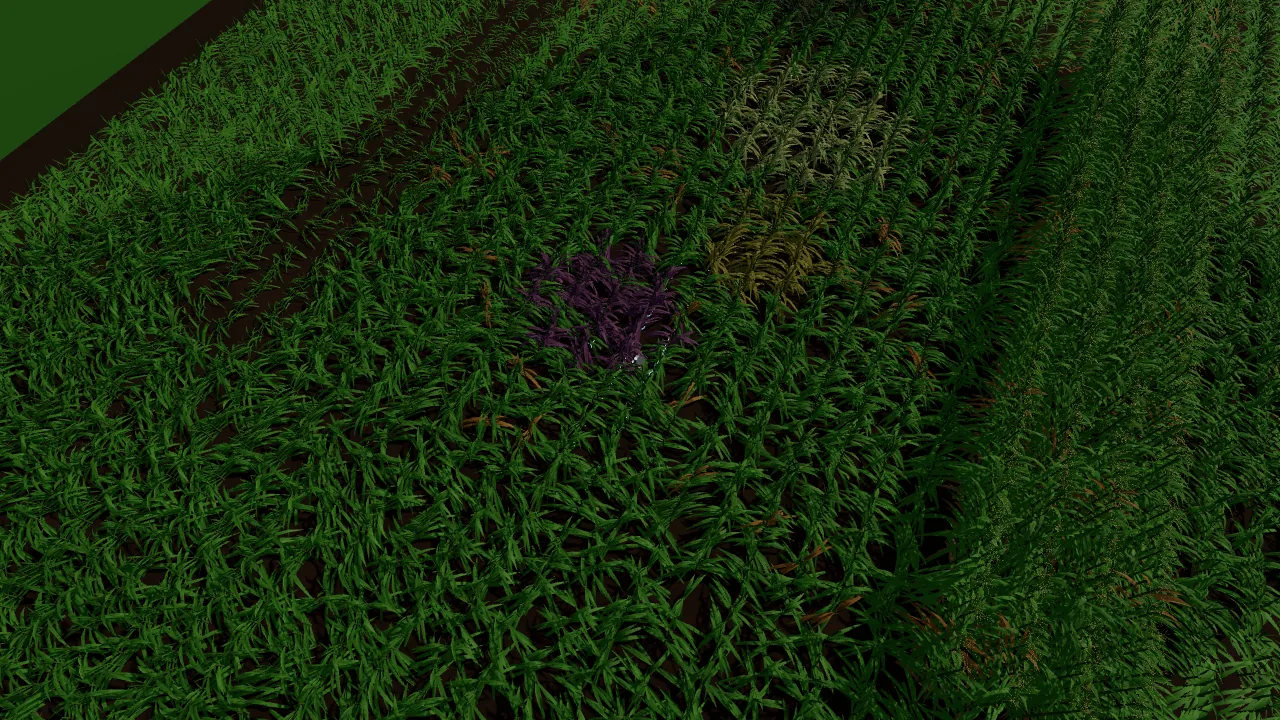
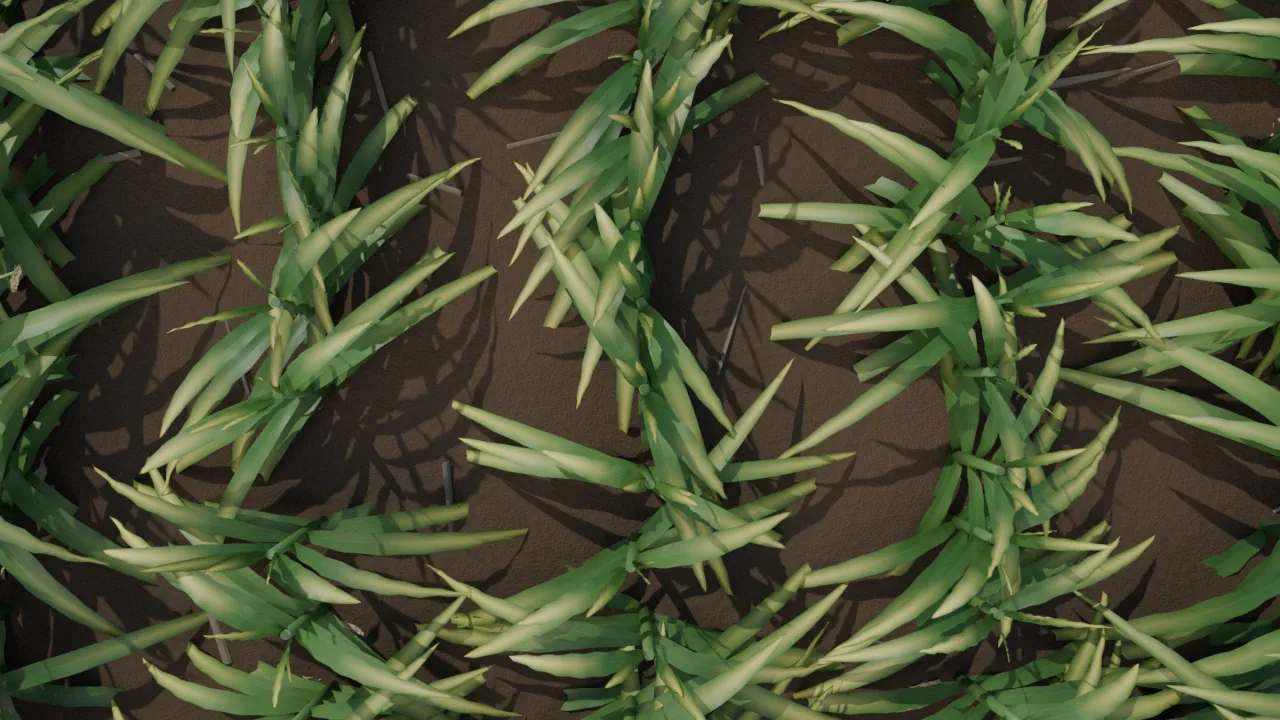
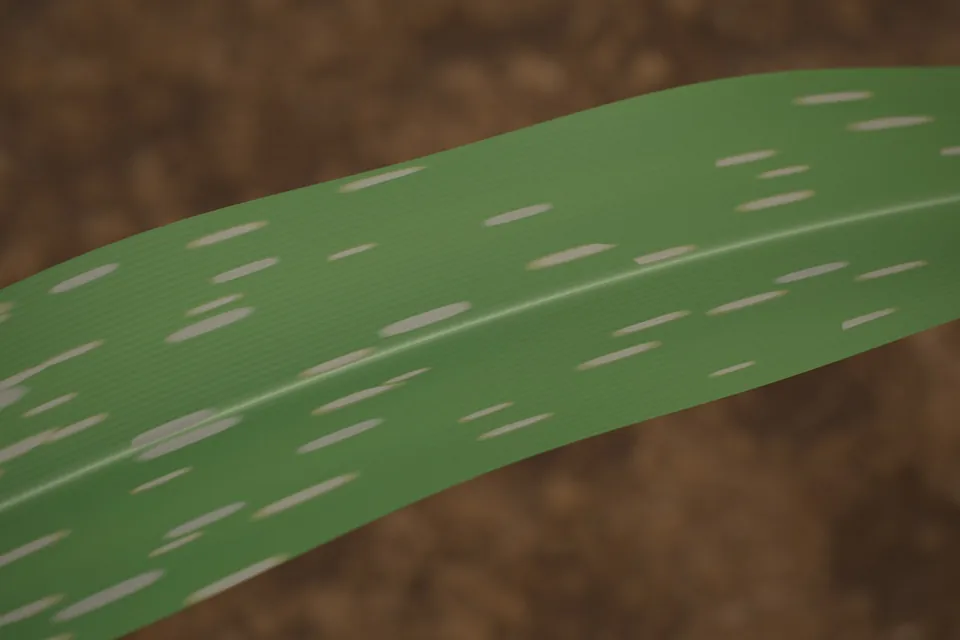
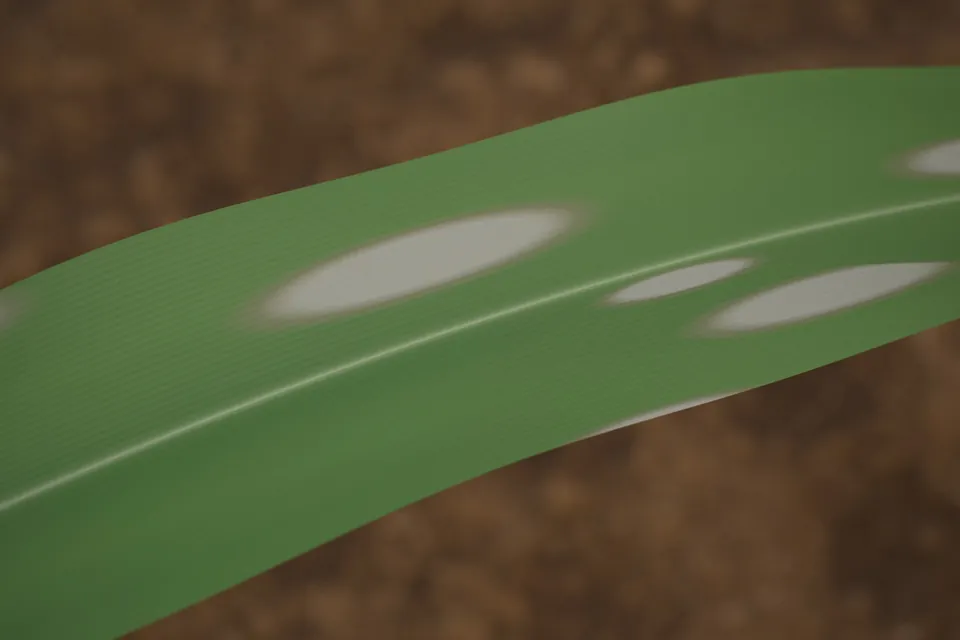
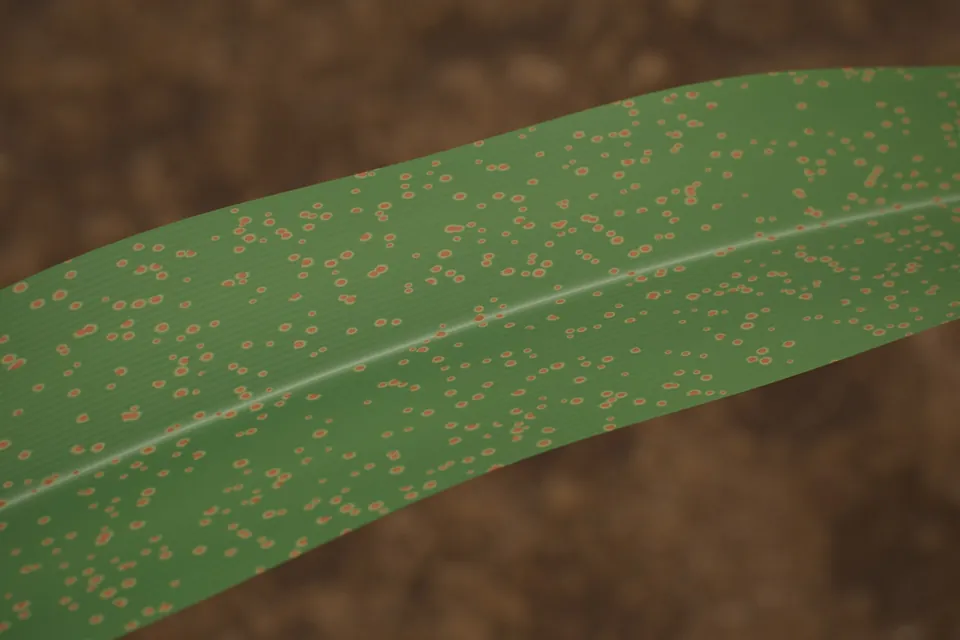
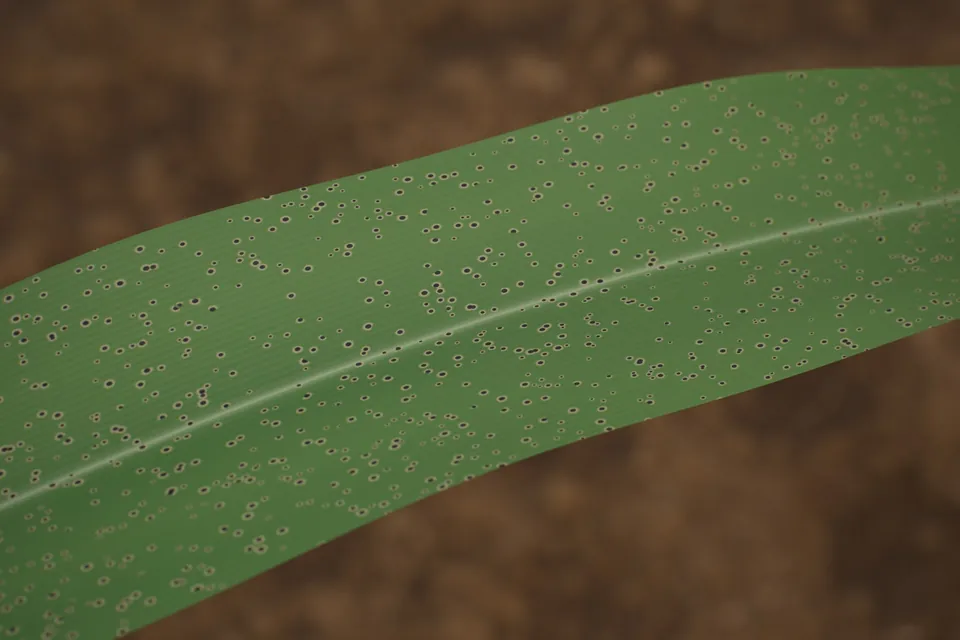
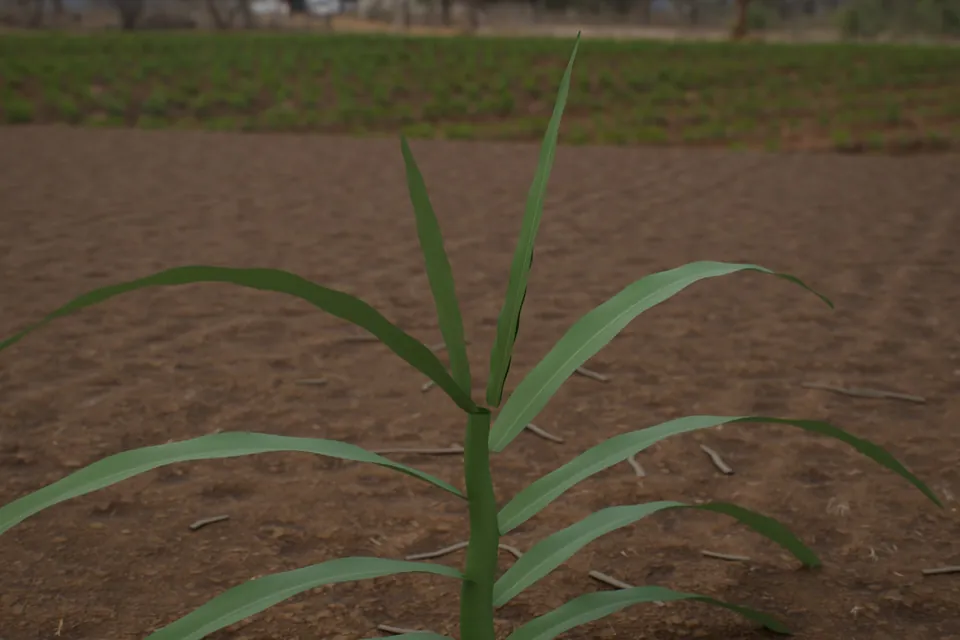
Row crops · nitrogen-stressed patch in young cornPermanent crops · the row camera along the trellisRow crops · overhead scouting cameraPermanent crops · orbiting the Rover in the orchard
ROW CROPS · RENDERED IN PRISM SIMCorn
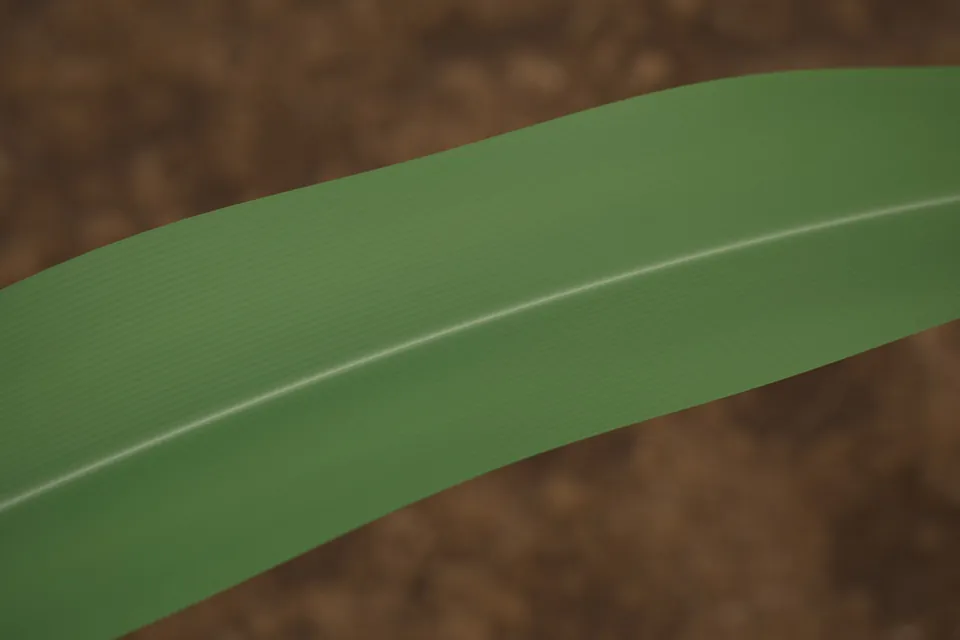
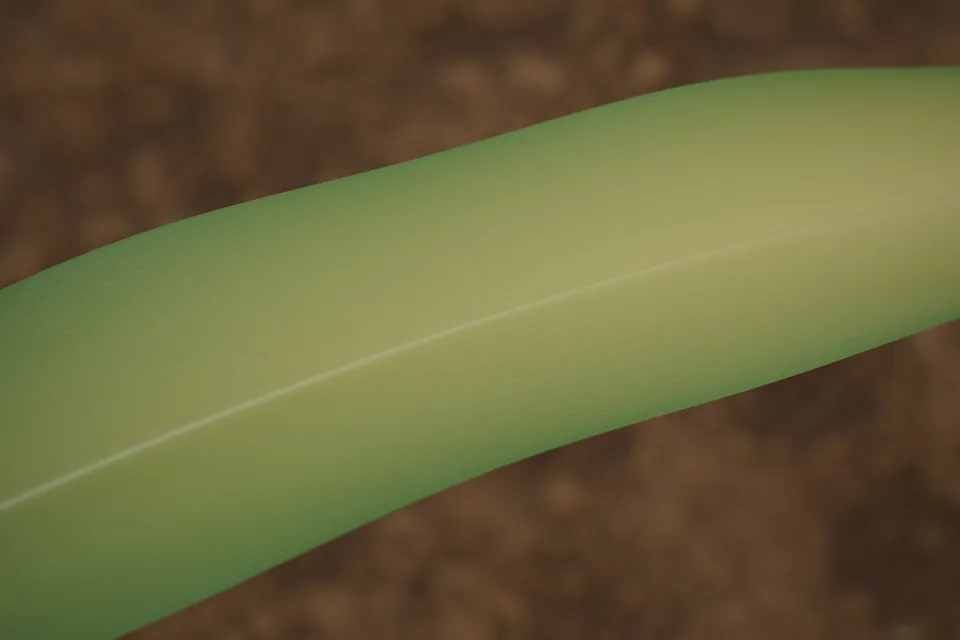
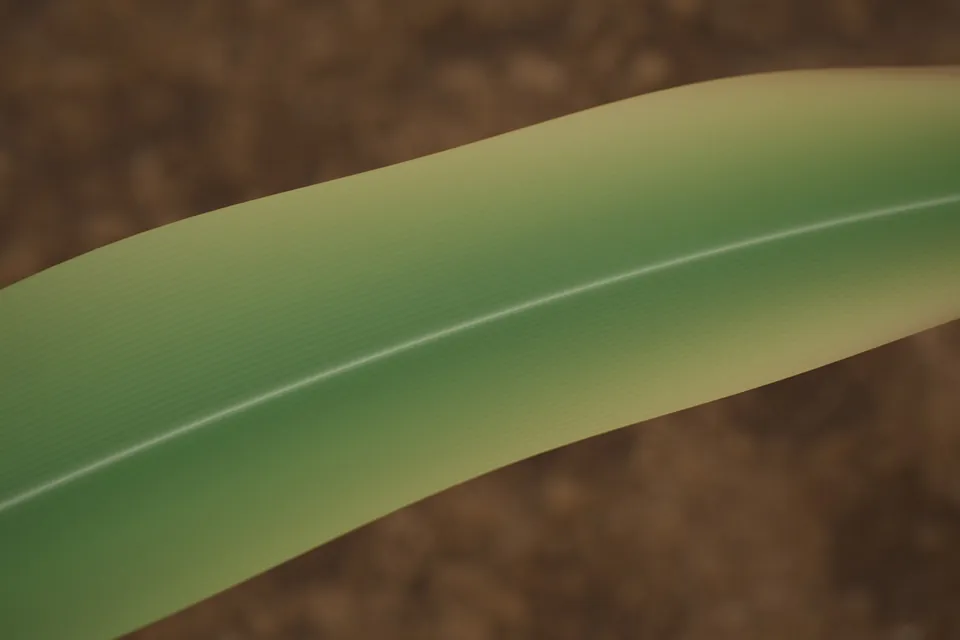
Healthy
Nitrogen deficiency
Potassium deficiency
Gray leaf spot
Northern leaf blight
Common rust
Tar spot
Corn at V10
Corn at R1, silking
PERMANENT CROPS · RENDERED IN PRISM SIMApples and trees
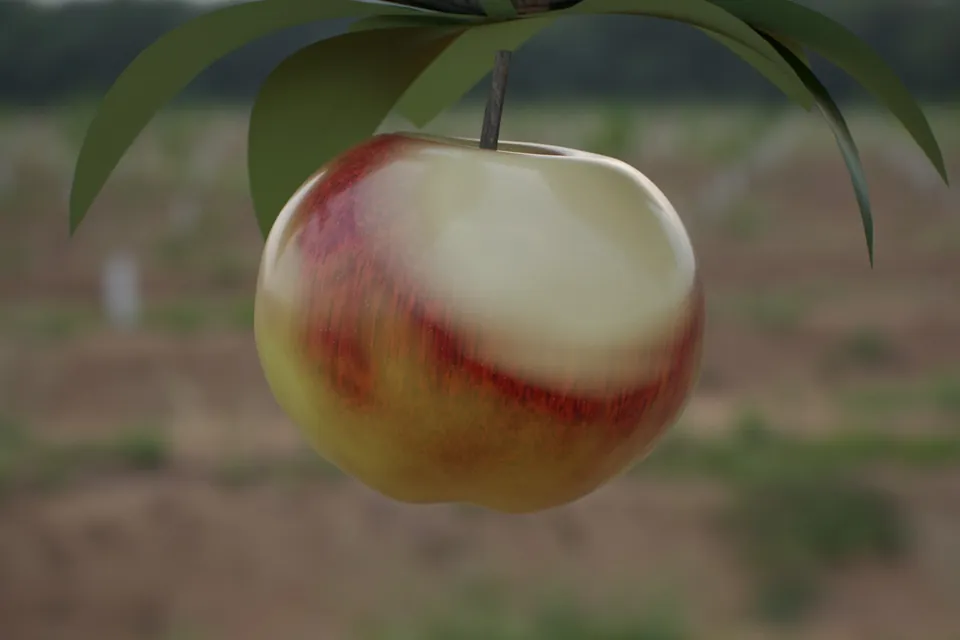
Ripe
Unripe
Sunburn
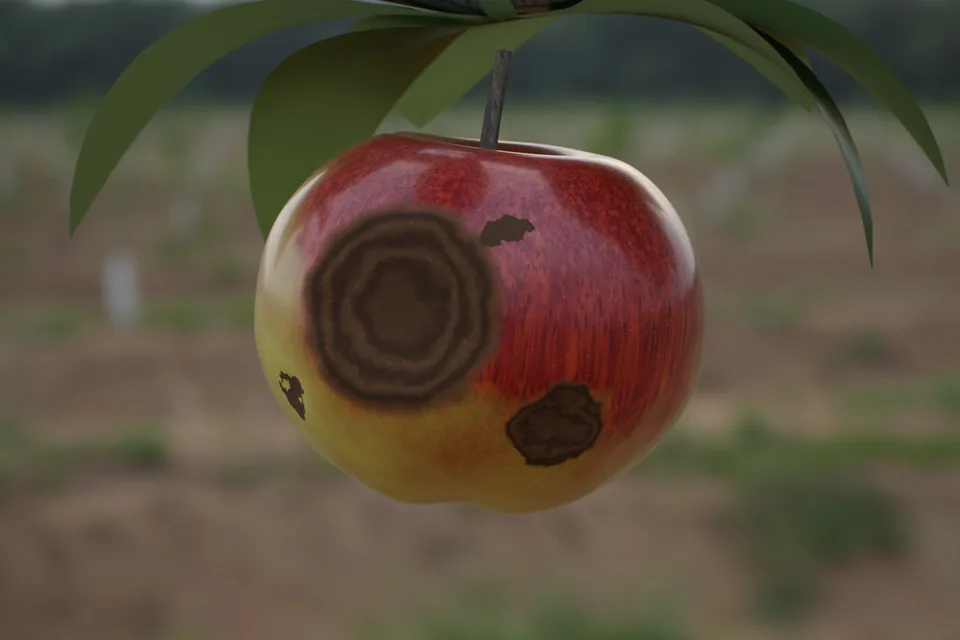
Bitter rot
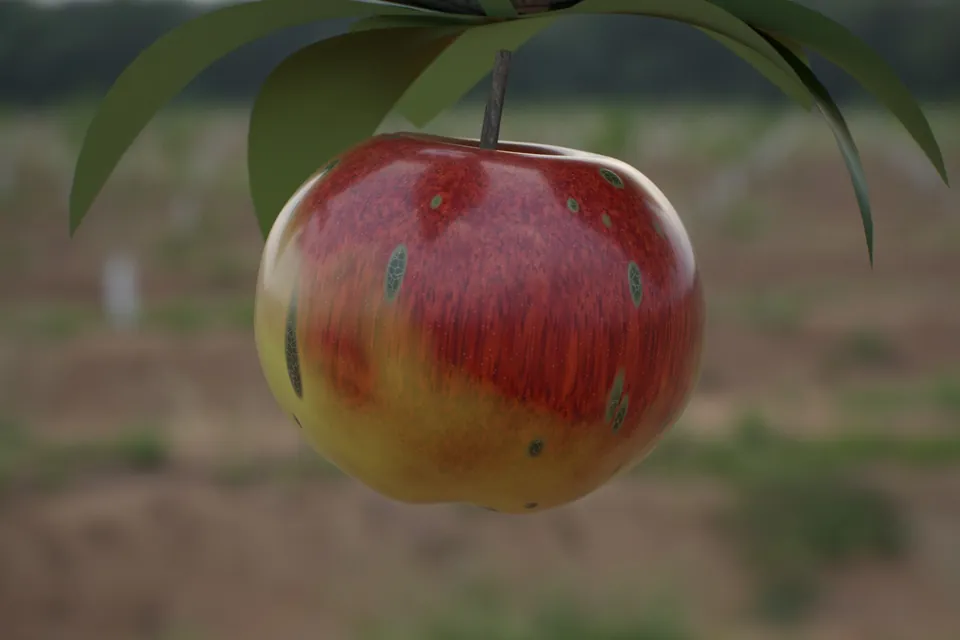
Scab
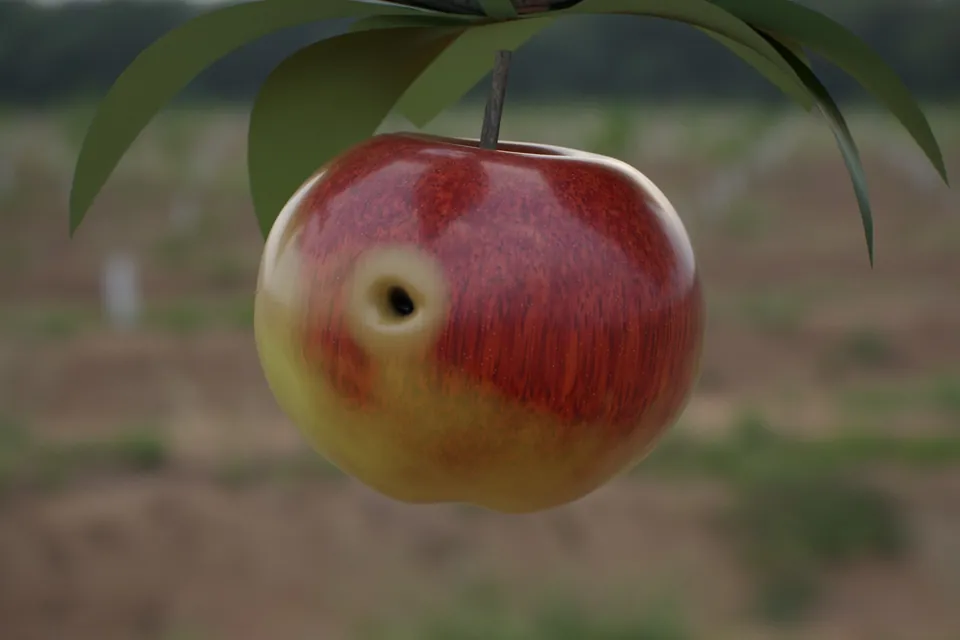
Codling moth
Russet
Mummified
Healthy tree
Tree · fire blight
Tree · powdery mildew
Every image and clip on this page comes from Prism Sim. None is a photograph.
Crop Lab · interactive, in your browser
Bend it, stretch it, give it a disease. Before the Rover touches real ground.
In our simulation every plant can be bent, stretched, aged and infected the way a real field changes it, and every change comes out as a labelled image: the dataset a world model is built to learn from, so the Rover behaves and detects accurately before it drives a real row. Try it below: switch between five studies and change condition, shape and light on the side.
08Synthetic first
Most of what the Rover will learn from, we render.
Prism Sim is built so the Rover's perception models learn from roughly 80% synthetic data and 20% real field imagery. Every rendered image arrives already labelled, so rare problems can be shown as often as they need to be, and real images keep the models honest.
80%Synthetic, from Prism Sim
Rendered, labelled by the simulationReal field imagery
Training frames · from the Rover's row camera
Every frame arrives with its answer key.
These frames come straight out of Prism Sim, from where the Rover's camera rides between the rows. Each one is written with its labels: every pixel names the plant or weed it shows, and every plant is a row in the field's table with its position, growth stage and condition. Nobody draws these by hand, so a rare weed or an early disease can appear as often as a model needs to see it.
Early season · corn at four leaves
Where it stands
Where it stands, and what comes next.
Stage today
Prism Rover is a concept, designed and driven in Prism Sim. Prism Sim and the Crop Lab are public in the browser and render crop conditions from nitrogen stress to bitter rot, every image labelled. The field generator behind them places six weed species, from waterhemp to dandelion, and writes labelled training frames from the rover's own camera. Not yet built: a physical Rover in a real field.
Next milestones
Labelled image sets for each crop condition and weed species, from the Crop Lab and the field generator.
A first detection model, tested in Prism Sim.
A first Rover in a pilot field or block.
Proof and validation
AgriVision, the crop-analysis technology behind Green Sentinel, won an NSF GROW award in December 2025 and is now part of Prism X. Prism Labs is in NVIDIA Inception. Validation moves from the simulator to a pilot field.

 An NVIDIA Jetson on board runs navigation and analysis, so the robot does not need a connection to work.